Dashboard Overview
Everything you need to monitor your CDN, AI usage, and links — at a glance.
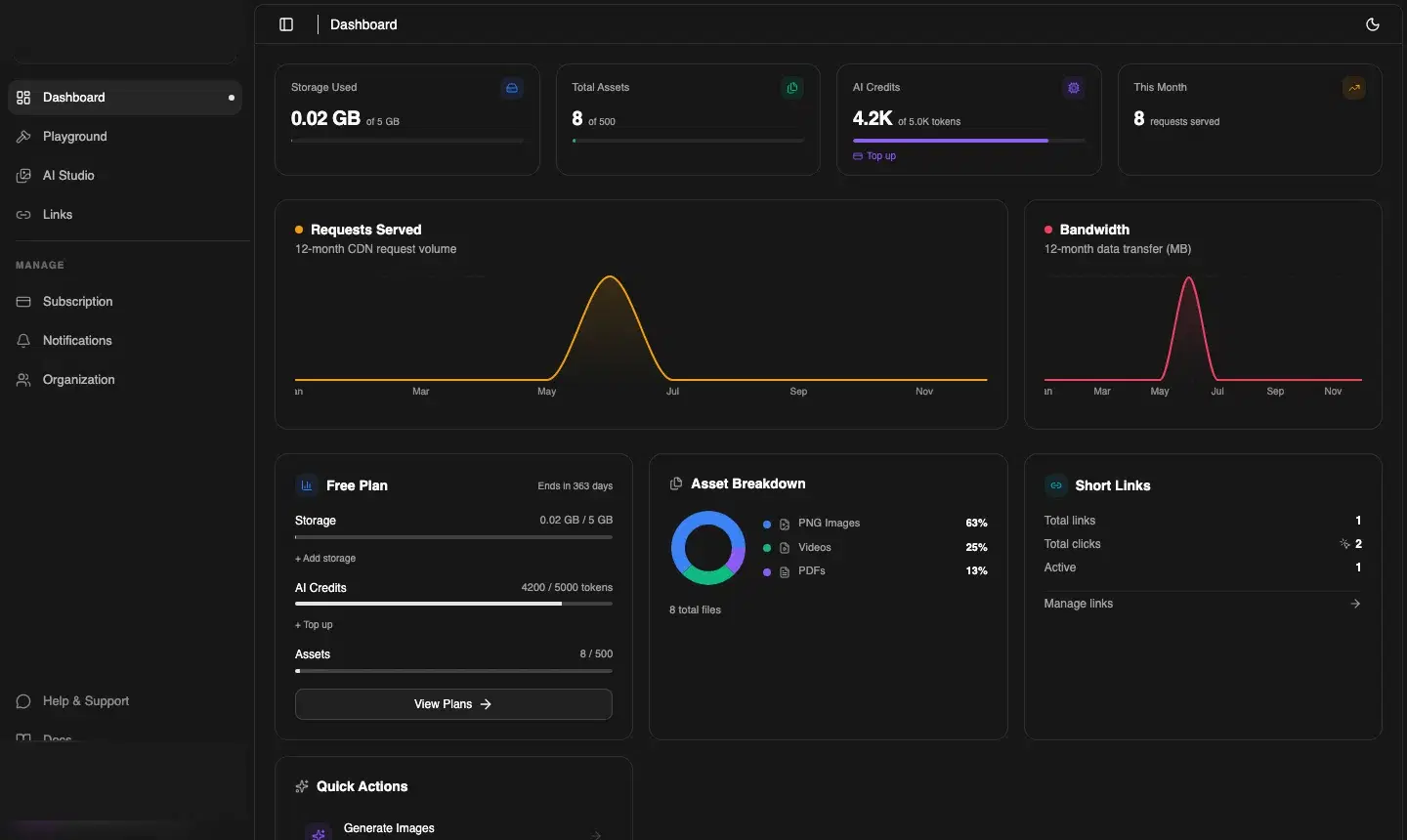
Summary cards
The four cards across the top of the dashboard give you instant visibility:
| Card | What it shows |
|---|---|
| Storage Used | GB consumed out of your plan's storage limit, with a progress bar |
| Total Assets | Number of files uploaded across all folders |
| AI Credits | Credits consumed this period. Tap Top up to add more without upgrading your plan |
| This Month | CDN requests served in the current billing month |
Charts
Two 12-month line charts give you trend visibility:
- Requests Served — total CDN request volume per month (orange line)
- Bandwidth — data transfer in MB per month (pink line)
Hover over any point to see the exact value for that month.
Plan card
The plan card shows your current plan name, days remaining, per-resource progress bars (Storage, AI Credits, Assets), and a View Plans → button to upgrade. It also shows quick-add shortcuts for storage top-ups and credit top-ups.
Asset Breakdown
A donut chart breaks down your storage by file type — PNG images, Videos, PDFs, and other formats. The total file count is shown below the chart.
Short Links panel
A summary of your branded links: total links created, total click events, and active links. Tap Manage links → to go to the full Links page.
Quick Actions
At the bottom of the dashboard you'll find a Quick Actions row with one-click shortcuts to Generate Images, Upload Files, and Create Short Link.