Getting Started
Account Setup
Sign up, verify your account, and get your API keys ready.
Signing up
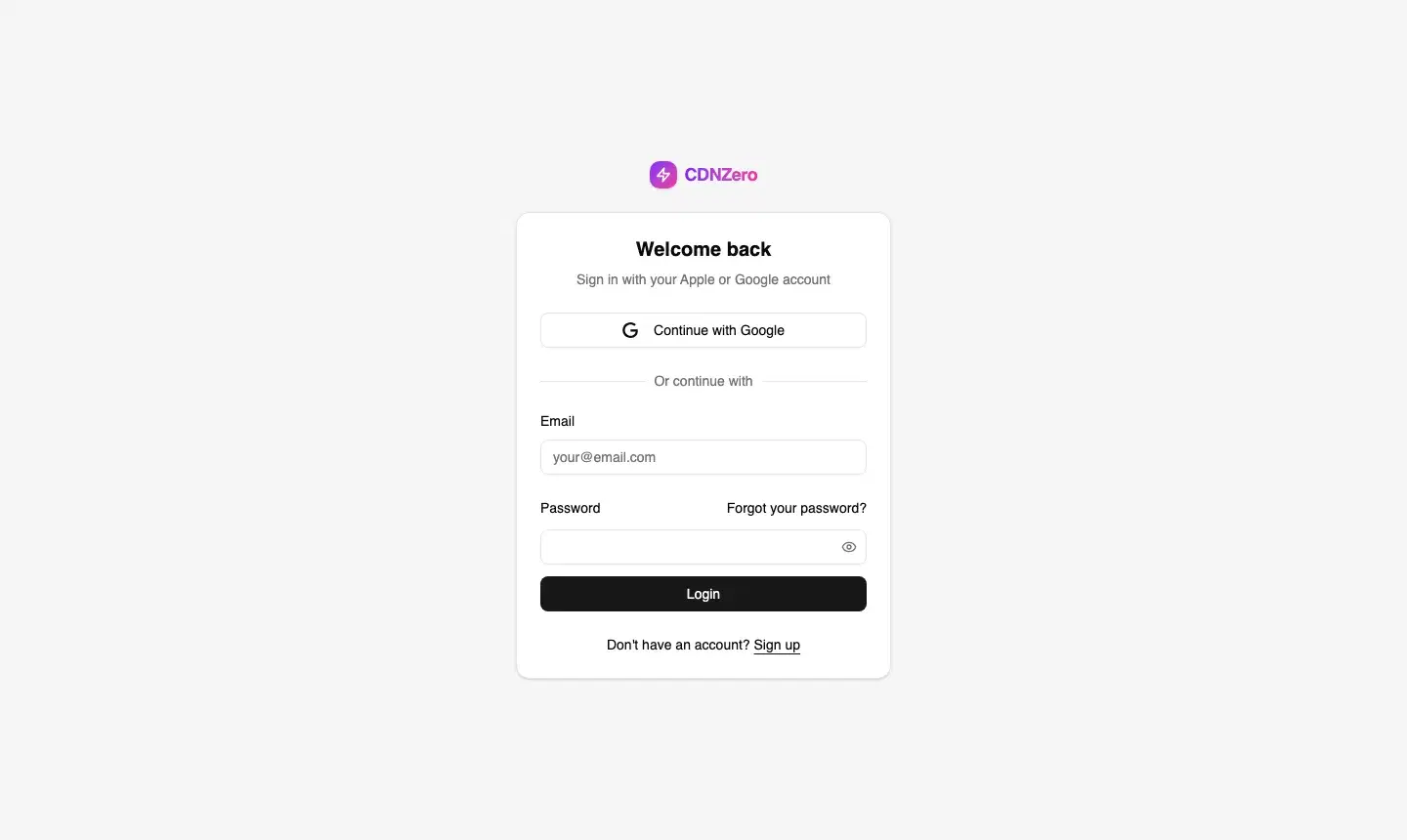
CDNZero supports two sign-up methods:
- Continue with Google — one click, no password needed, fastest path
- Email & Password — enter your name, email, and a strong password; you'll receive a 6-digit verification code
app.cdnzero.com
Email verification
After signing up with email, CDNZero emails a 6-digit code to your inbox. Enter it on the Verify Account screen. Check your spam folder if it doesn't arrive within 2 minutes.
Your organisation
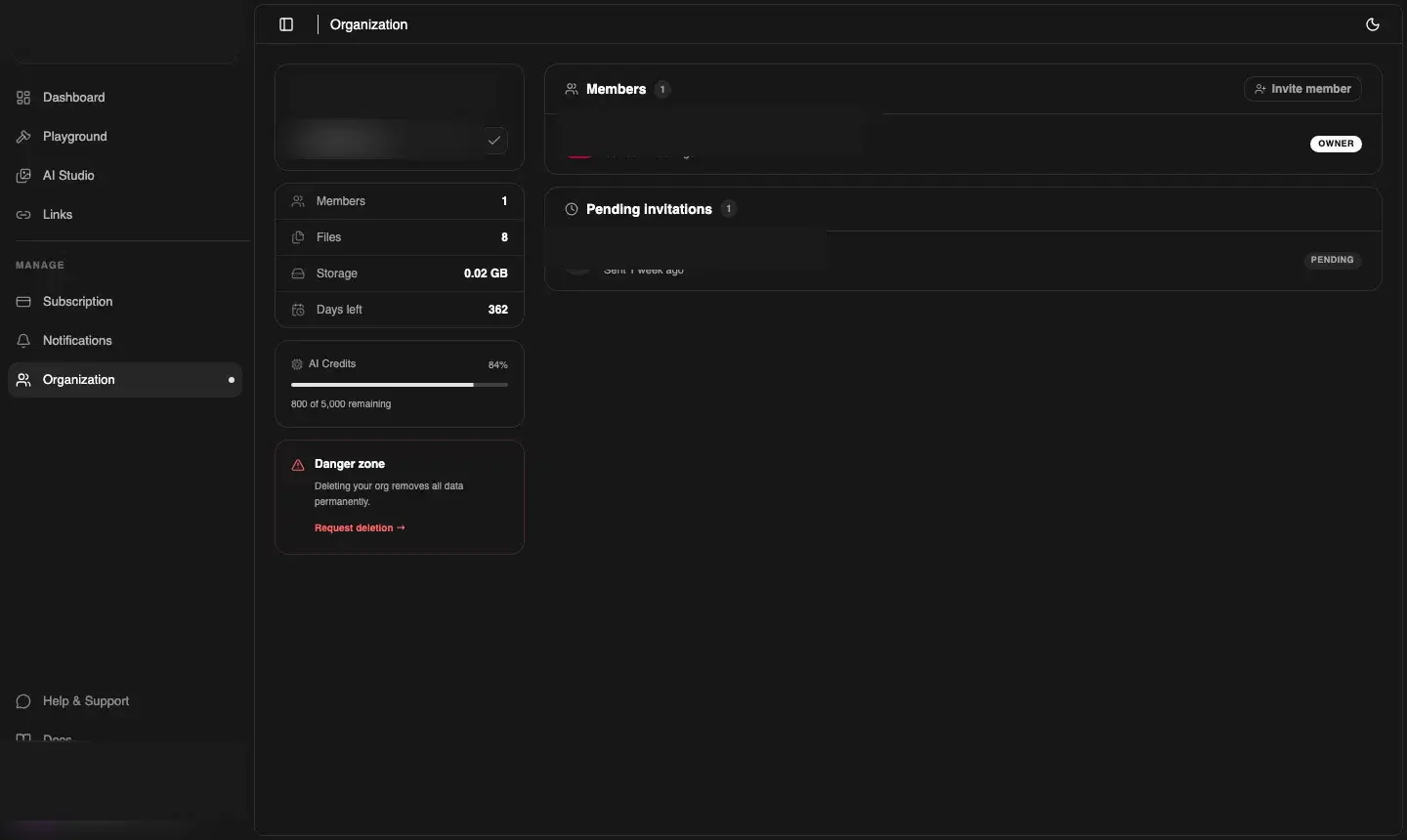
Every CDNZero account belongs to an Organisation. When you first sign in, a default org is created automatically (named after your email domain). You can rename it and invite teammates from Manage → Organization.
app.cdnzero.com
Getting your API key
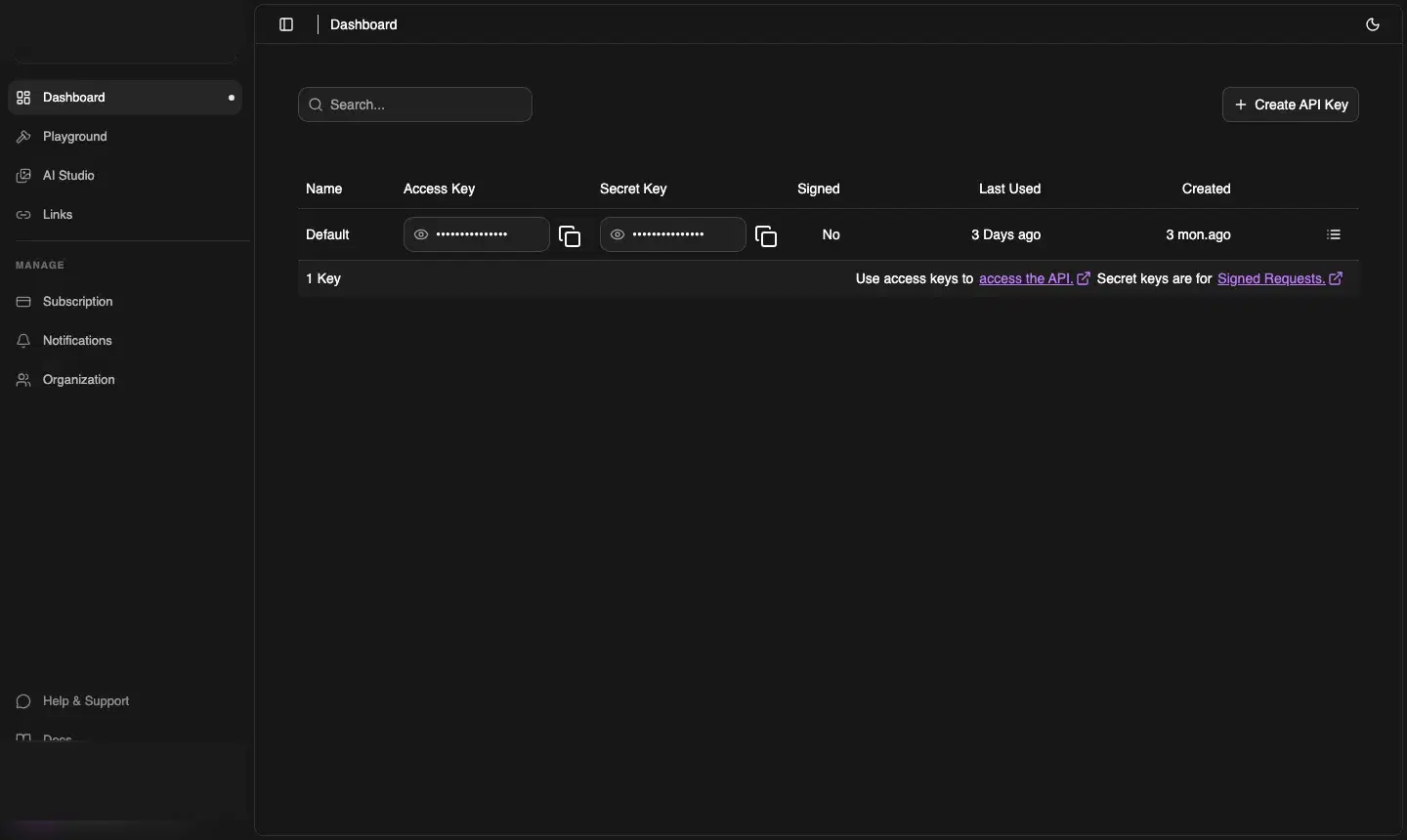
To use CDNZero programmatically, go to Dashboard → Access (the key icon in the sidebar, or via the URL /dashboard/access). Click Create API Key, give it a name, and copy it — it is shown only once.
app.cdnzero.com
⚠️ Keep keys secret
API keys grant full access to your organisation. Store them in environment variables — never in client-side code or public repositories.
Roles
| Role | Can access | Cannot access |
|---|---|---|
| owner | Everything — Playground, AI Studio, Links, Subscription, Organization, API Keys | — |
| developer | Playground, AI Studio, Links, API Keys | Subscription, Notifications, Organization settings |