Features
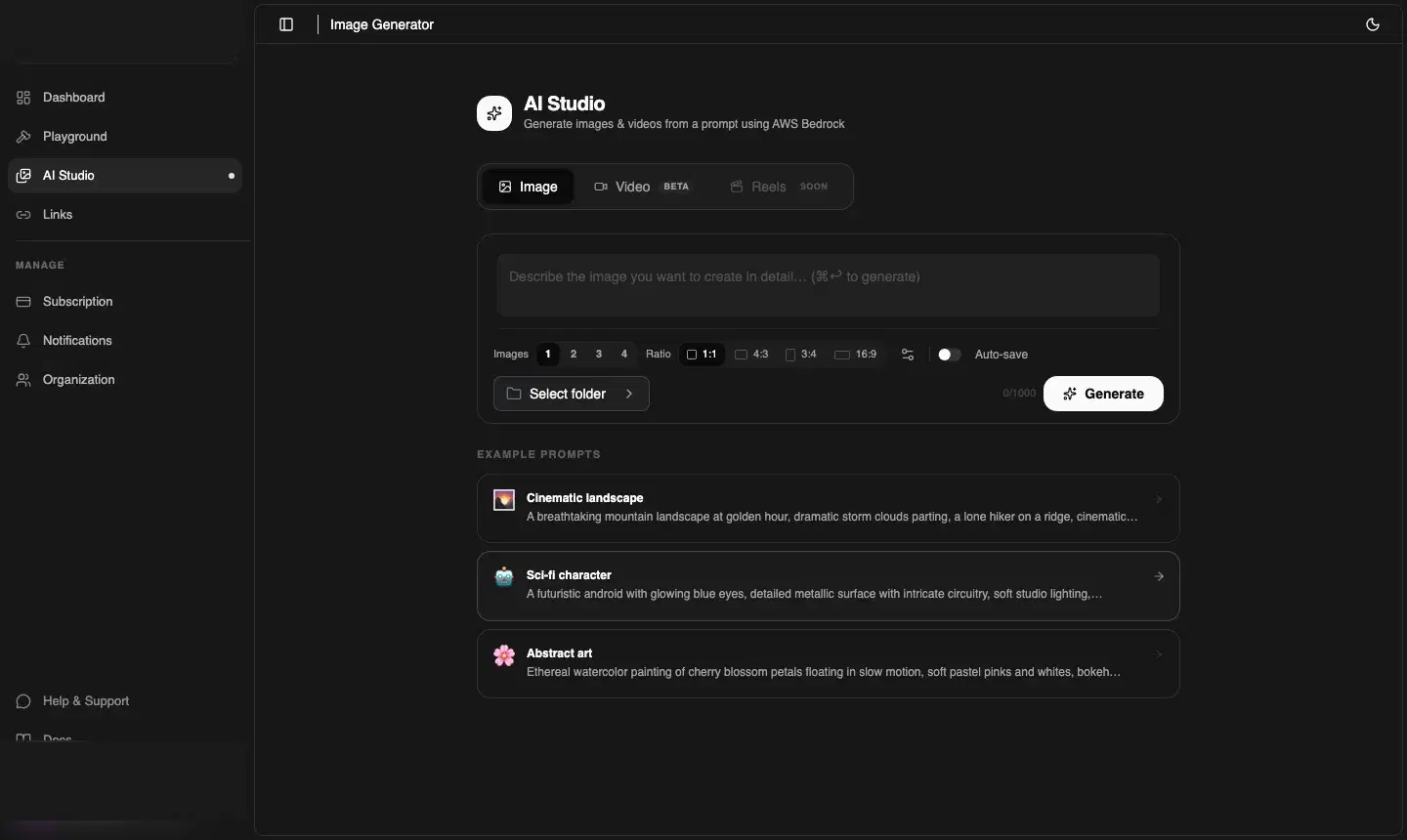
AI Video Generation
BetaGenerate explainer videos, demos, and promos from text — all via the AI Studio Video tab.
app.cdnzero.com
⚠️ Beta feature
Video generation is in Beta. It's available on Growth plan and above. Output quality and generation times may vary while the feature matures.
How video generation works
Unlike image generation (which is synchronous), video is an asynchronous job:
- You submit a prompt in the AI Studio Video tab
- CDNZero queues your job on a GPU cluster
- The AI Studio polls for completion automatically and shows a progress indicator
- When done, the video appears inline and (if auto-save is on) is uploaded to your Playground
Typical generation times
| Video length | Typical time | Credit cost |
|---|---|---|
| 15 seconds | 30–60 seconds | ~250 credits |
| 30 seconds | 1–2 minutes | ~500 credits |
| 60 seconds | 2–4 minutes | ~900 credits |
Reels — Coming Soon
The Reels tab (currently locked) will add automated short-form vertical video creation — captions, transitions, and social-ready formatting for TikTok, Instagram Reels, and YouTube Shorts.
Prompting for video
Good video prompts describe:
- Subject and action — "a developer typing code on a MacBook"
- Style — "cinematic", "screen recording", "animated explainer", "motion graphics"
- Mood & pace — "fast-paced montage", "slow dramatic reveal", "upbeat product demo"
- Duration hint — "15-second intro", "30-second explainer"
Video credits are expensive — test your prompt as an image first to check the style and composition, then switch to Video once you're happy with the direction.